
Your first model
-
Open FORGE from the Start menu.
-
Type a description that starts with forge, build, make or mold, and press Enter:
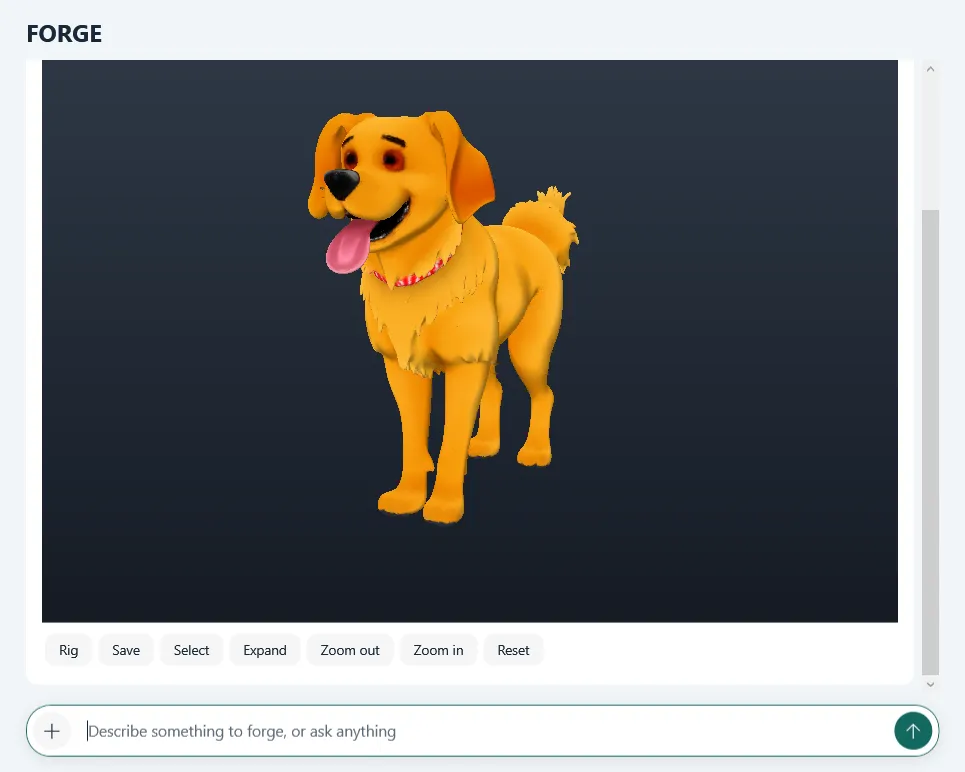
forge a friendly golden dog -
Name the project. A card asks for a name. Click a suggestion (FORGE offers names from your prompt right away, and the local chat model adds more ideas a moment later) or type your own and press Enter. The name labels the result and its folder.
-
Watch it build. A job card appears above the message field with its stage and elapsed time. In the conversation, FORGE shows you each step as it happens:
- 📝 the polished prompt it will use
- 👀 the reference image
- ✂️ the background-removed cutout it sculpts from
- ✨ the 3D model, as soon as it exists
- 📦 the Unity files
-
Explore the result. Drag the model to rotate it, and hold Ctrl while scrolling to zoom. Use the buttons under it to Rig, Save, Select, Expand or Open folder.
Make an image instead
Section titled “Make an image instead”generate a wooden toy boat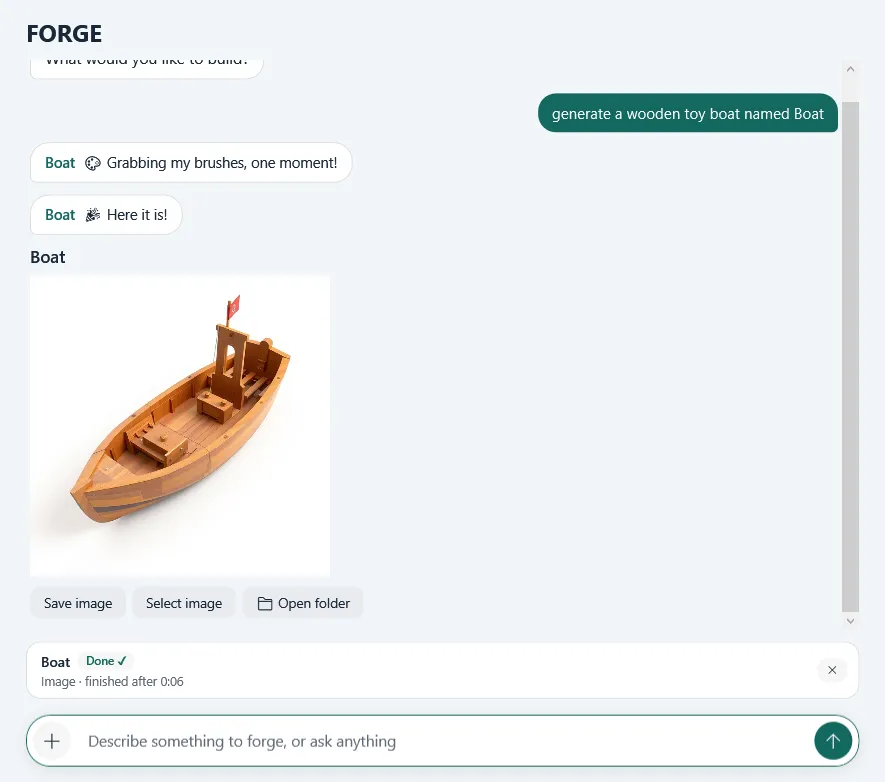
Ask for higher quality
Section titled “Ask for higher quality”Add a word such as super, premium or high quality:
forge me a super appleHigh-quality builds take considerably longer. See Quality.
- Say
named Buddyin your prompt to skip the naming question:forge a golden dog named Buddy. - You can queue several projects. They build one at a time, oldest first, and you can Cancel any of them.
- Chat whenever you like, even during a build. Saying “hi” never starts a project.